
Materials
Materials List
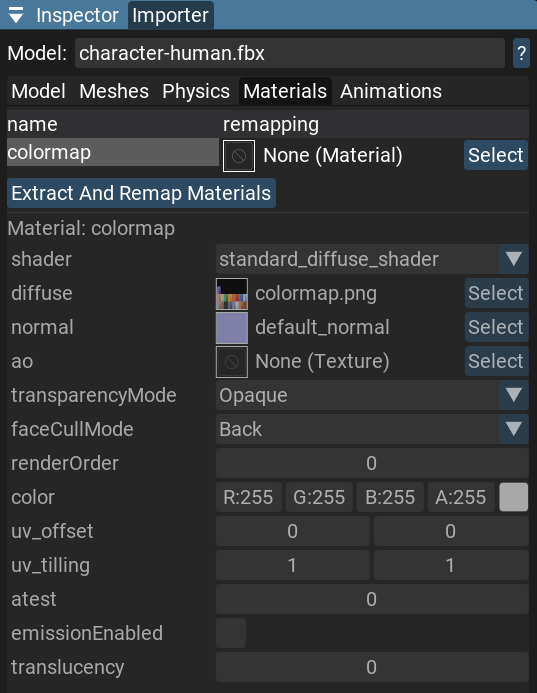
In the
Materials tab, you can see a list of all materials that are part of the model asset.Each material row also has a remapping column where you can assign a different material asset from your project.
You can click the
Extract And Remap Materials button to extract all materials from the model asset into separate material assets in the project.Note
Detailed information about materials has read-only properties because materials cannot be changed inside the model asset.
Preview
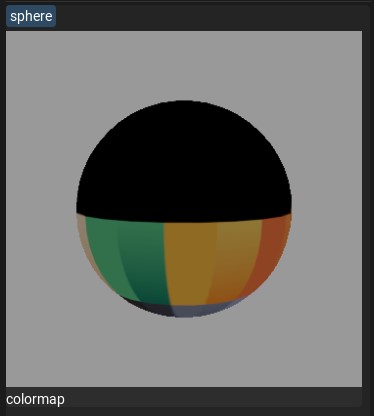
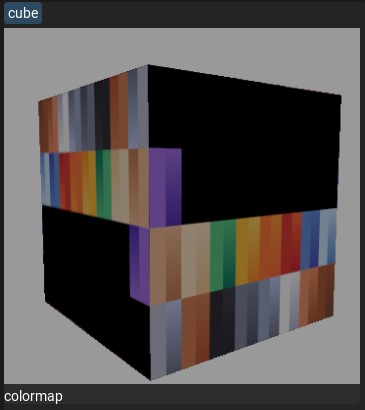
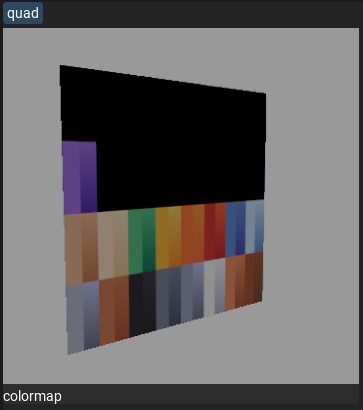
Here you can see a material preview to understand what kind of textures the material uses.
The material preview has several modes:
- Sphere mesh
- Cube mesh
- Quad mesh
- Plane mesh
Click the mesh name button to cycle through preview shapes.