
Standalone Build
Overview
A standalone build is a self-contained, distributable version of your game that can run independently without requiring the Eden editor or development environment. This allows you to share your game with players who can run it directly on their computers.
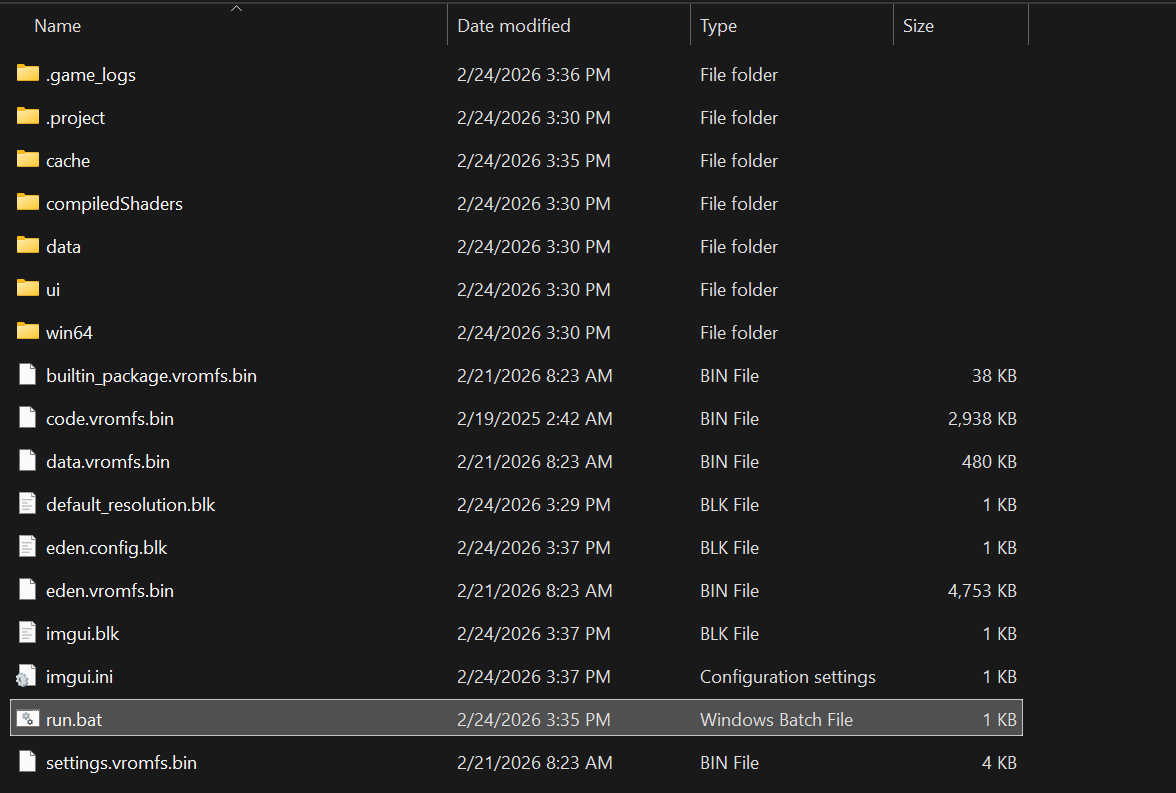
The standalone build includes:
The compiled game executable
All necessary game assets (textures, models, sounds, etc.)
Required runtime libraries
Game configuration files
The standalone build DOES NOT include:
Cover art
Screenshots
Creating a Standalone Build
Prerequisites
Before creating a standalone build, ensure that your game builds successfully (test using the “Build & Play” button)
Export Process
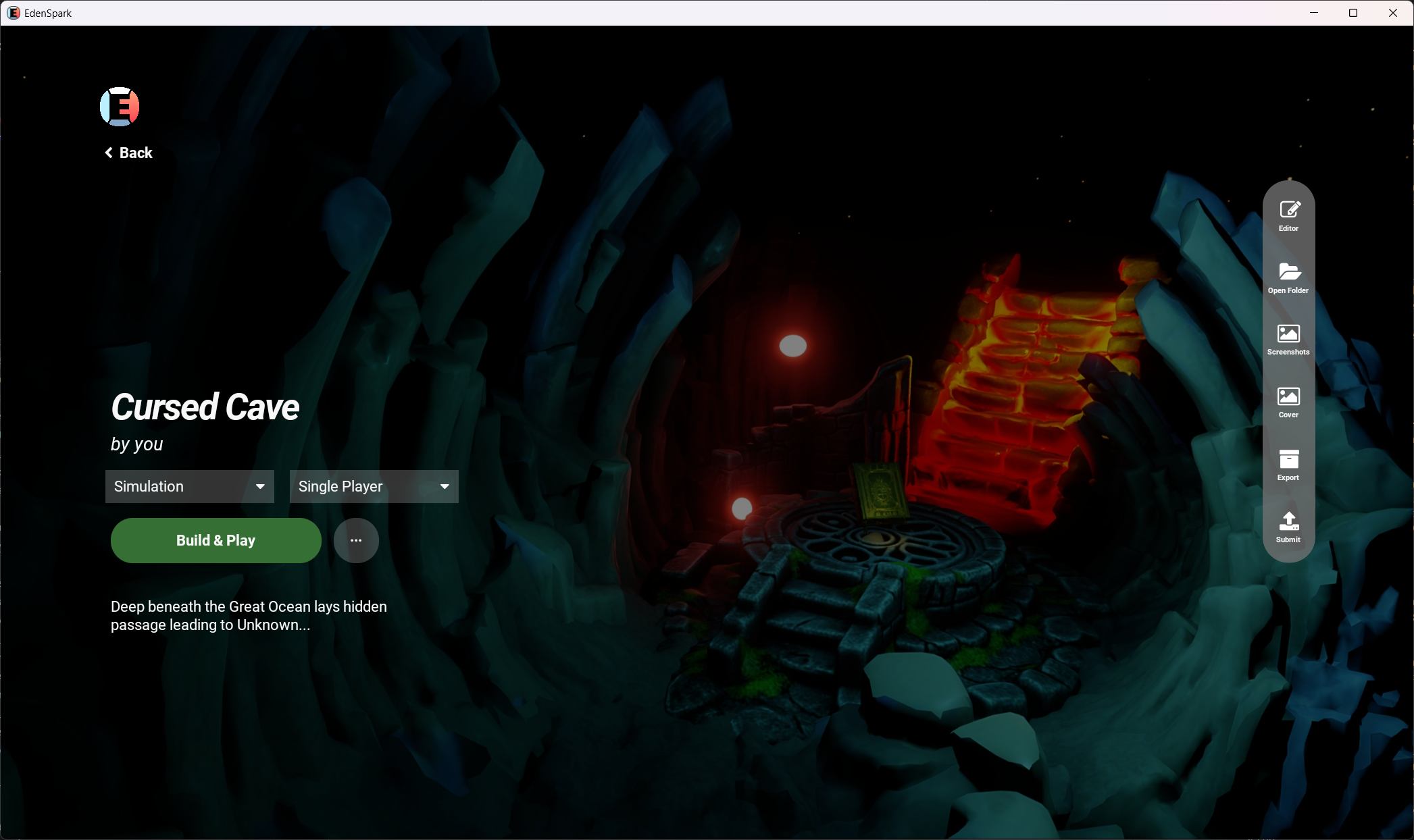
Open the Game Edit Screen
Navigate to your game in the launcher and click on it to open the Game Edit Screen.
Locate the Export Button
On the right side of the screen, you’ll find a quick actions panel with several icon buttons. The “Export” button is represented by an archive icon.
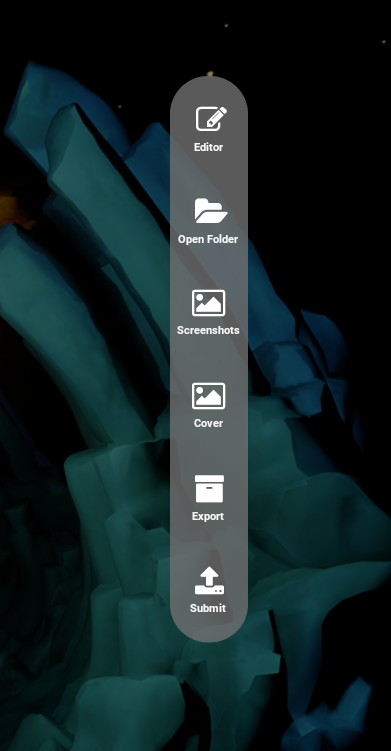
Click the Export Button
Click on the “Export” button (archive icon) to start the standalone build process.
The export process will:
Build your game with all assets into a single file
Add EdenSpark’s configuration files, executables, libraries and shaders
Save the build to your game’s directory under
.project/standalone_<version>
Note
<version> is the version of EdenSpark’s executable that is used to create the build.
Locate Your Standalone Build
Once the export completes, the standalone build will be saved in your game’s project directory. Folder with created build will open automatically after successful export. You can also quickly access it by clicking the “Open Folder” button (folder icon) in the actions panel and navigating to
.projectdirectory.
Distributing Your Standalone Build
Once you’ve successfully created a standalone build:
Test the Build - Run the standalone executable to ensure it works correctly
Share Your Game - Distribute via:
Direct file sharing
Game distribution platforms
Your own website
The Eden platform (using the Submit button)