
Prefab Editor Tools
Double-click a .prefab file in the Project panel to open it
in the prefab editor. It replaces the scene in the viewport with that prefab on its own, and you edit
it exactly like a scene.
See also
The prefab editor reuses the scene viewport. For the gizmo, camera, and viewport controls, see Viewport. Marking a node as the prefab root, unpacking a prefab, and saving a sub-tree as a new prefab are done from the Outliner context menu.
Editing a prefab
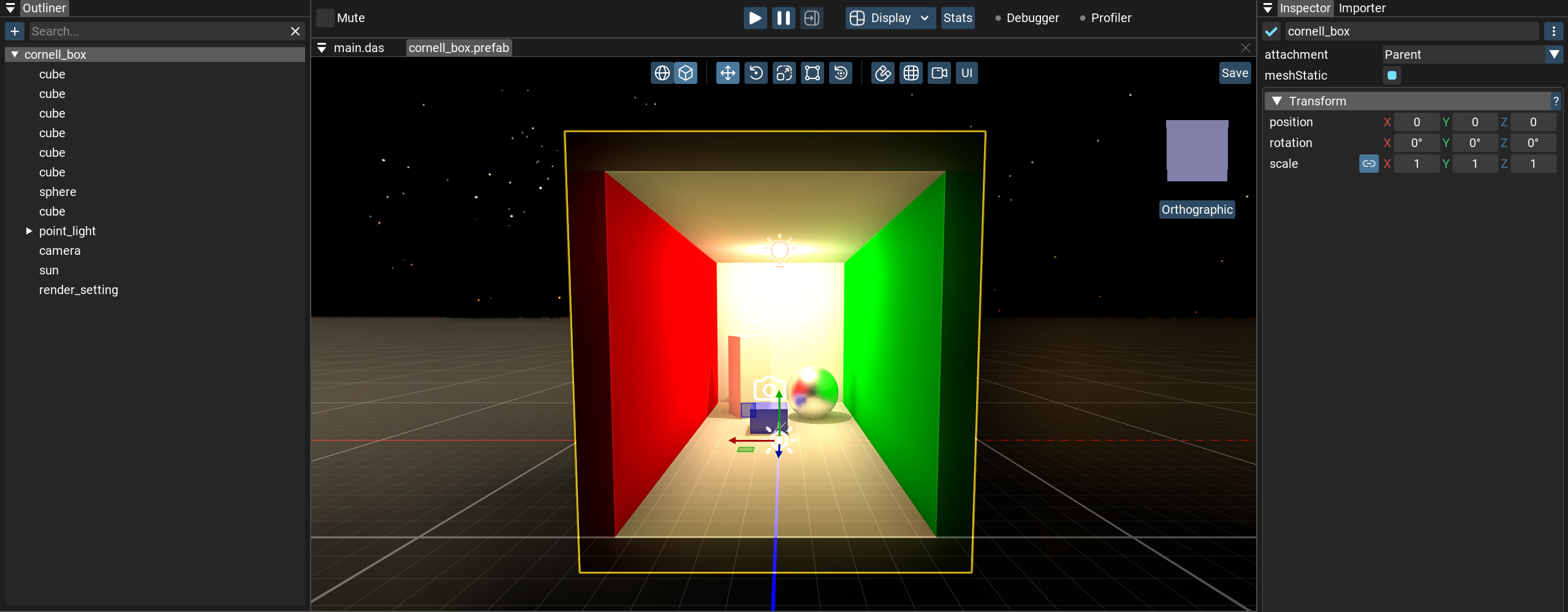
Edit a prefab just like a scene: add nodes, change the hierarchy, attach components, and so on.
All changes apply to every instance of this prefab in the scene.
Saving changes
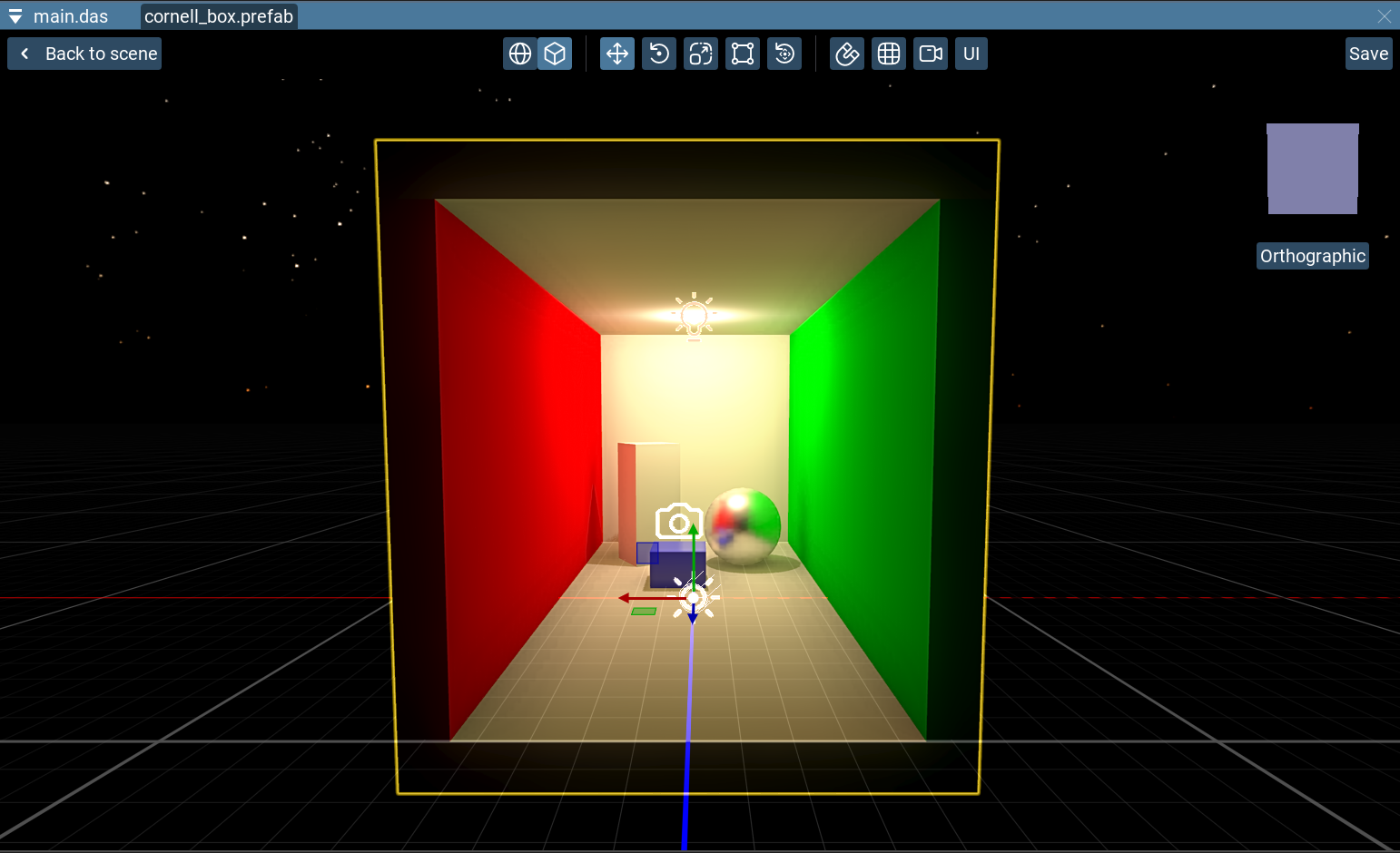
The buttons in the top corners of the prefab editor save the prefab (
Save) or return tothe scene (
Back to Scene).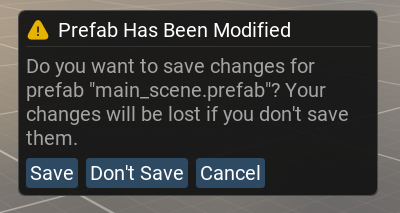
If you leave the prefab editor with unsaved changes, a dialog lets you save, discard, or cancel.
Warning
This dialog does not appear when you exit the application! Be careful with unsaved prefab changes.
Instantiating a prefab
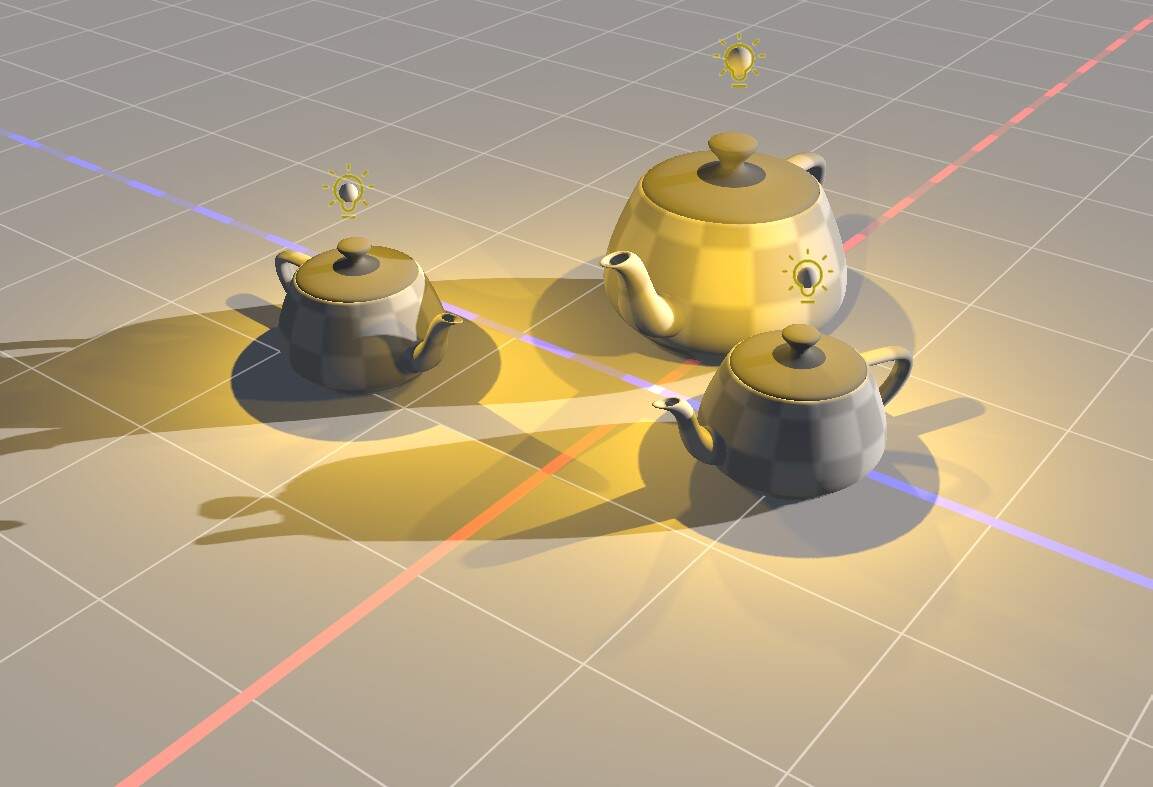
Drag a
.prefab from the Project panel into the scene, orright-click it and choose
Instantiate Prefab. This works the same asDrag and Drop for every drag interaction.