
Material Editor Tools
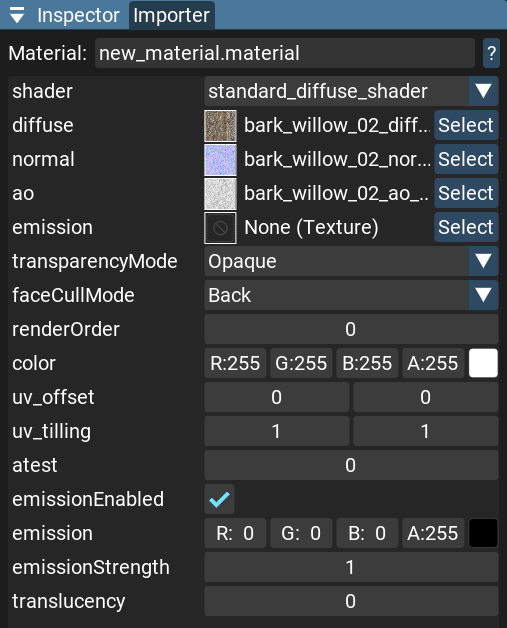
Shader
There is a list of predefined shaders in the engine.
You can select one of them for your material.
See Shaders for more information.
Textures
You can add textures to your material.
These can be color, normal map, roughness map, etc.
See Textures for more information.
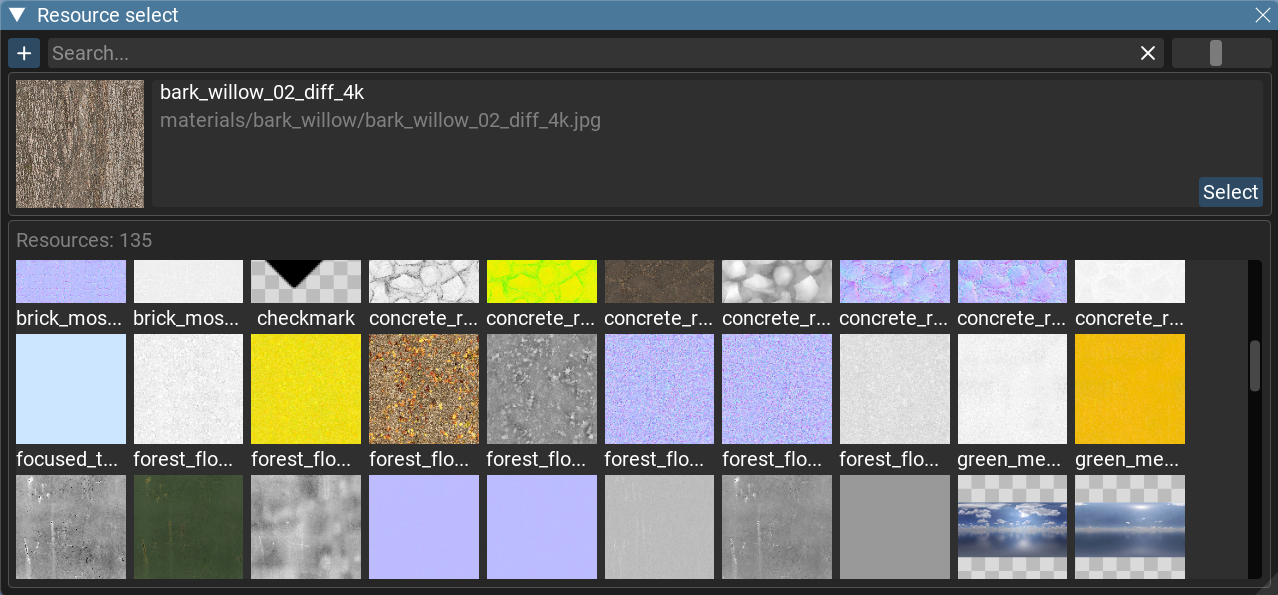
You can set up texture properties in the Texture Editor Tools.
Properties
Each shader has its own set of properties.
Properties can be
float, float4, or int.See the documentation for each shader to get more information about its properties.
Changing any material property will immediately update the material asset and apply changes to the render.
Preview
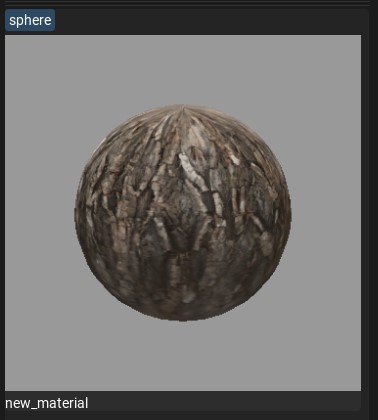
Here you can see a material preview to understand what kind of textures this material uses.
The material preview has several modes:
- Sphere mesh
- Cube mesh
- Quad mesh
- Plane mesh
Click the mesh name button to cycle through preview shapes.