
HD Renderer
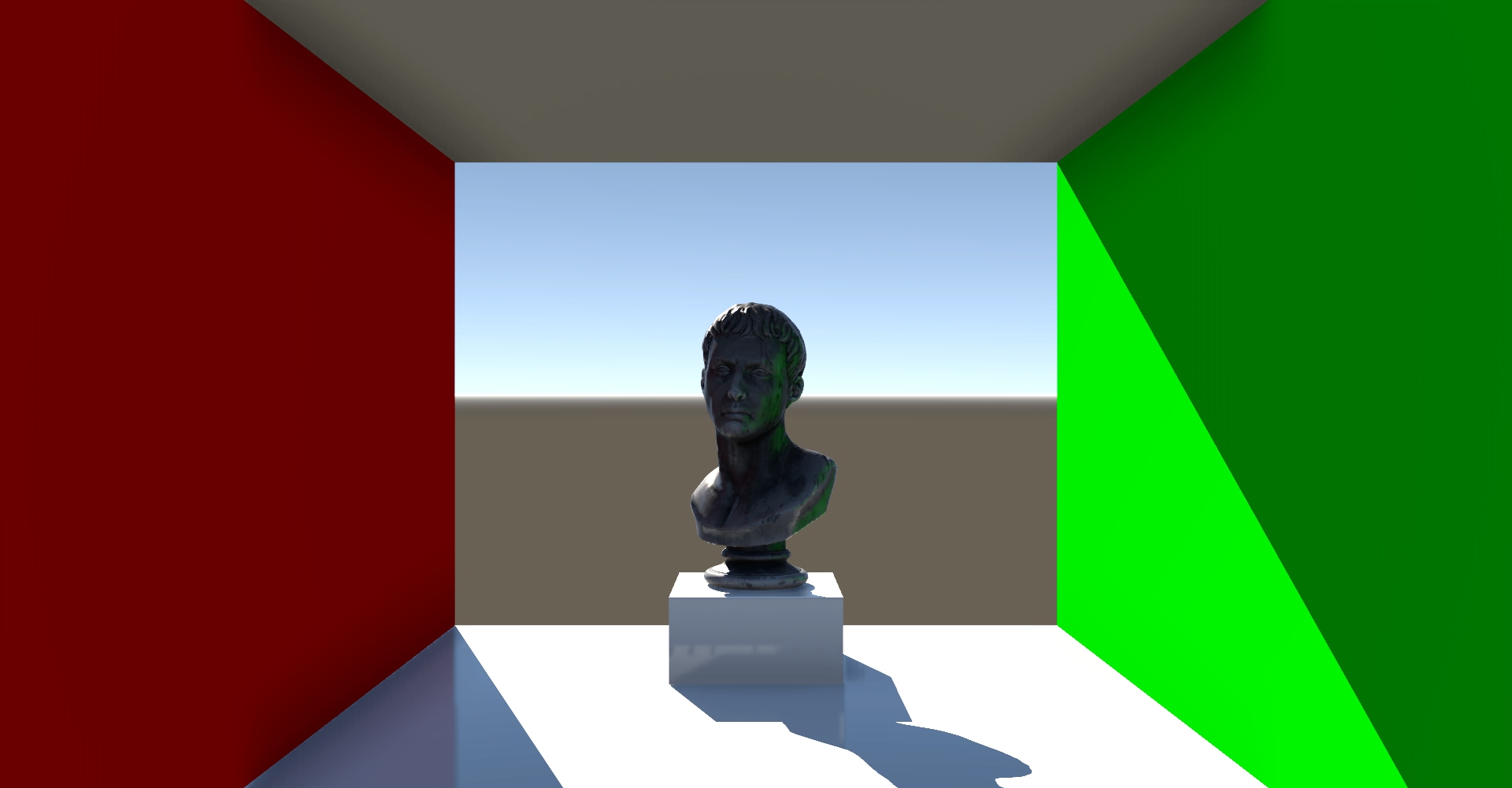
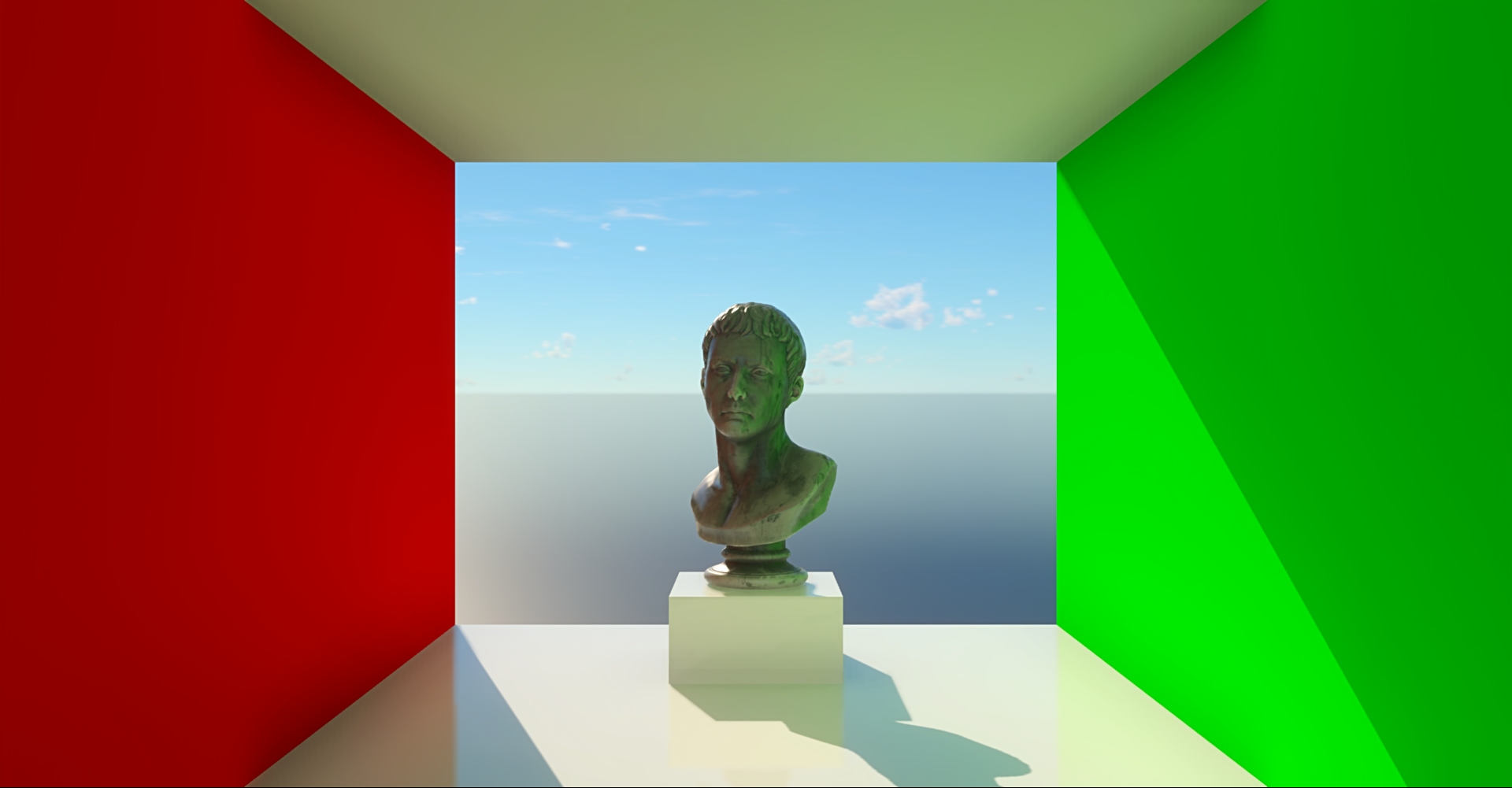
HD Renderer is an alternative rendering pipeline providing high-end graphics capabilities, featuring global illumination, realistic sky with volumetric clouds, various screen-space effects, TAA and other functionality.
To use it, you don’t need to include any additional modules into your script, but you need to enable it in
the project settings (in the editor, go to Edit -> Preferences... -> Project then select the HD rendering checkbox).
At the moment it’s just toggled on and off and has preset settings. Although there are some render settings that work with HD Renderer: Tonemap and ShadowSettings (but shadows can’t be toggled off). Basic scene components (meshes, materials, lights) work the same as in Standard Renderer, but you can additionally setup the moon using the second directional light. The indirect multidraw pipeline is also the same.
HD Renderer can be assigned only to a single camera. By default the one with the biggest viewport will use HD Renderer, while the others will fallback to Standard Renderer. Also Standard Renderer will be used if the camera is orthographic, because HD Renderer currently doesn’t support orthographic projection.
Some features heavily rely on whether certain mesh nodes are static. These are:
global illumination (provides indirect illumination from sun, lights and emissive surfaces, but “sees” only static objects);
static shadows (cover far distances at low cost and provide shadow to GI but include only static objects);
TAA (non-static objects will have motion vectors generated for them).
By default all meshes are dynamic. To make an object static, set isStatic field of the Mesh component to true.